Successful instrument reprocessing does not end when the cleaning and disinfection machine or autoclave completes its cycle. Only after the results have been checked, evaluated, and documented and approved may the medical devices be stored, made available, or used on patients again.
Documentation is far more than a mere formal requirement. It makes it clear whether all specified steps were performed correctly, whether the validated process was followed, and who assumed responsibility for the final approval.
The central principle is:
Instrument reprocessing is not complete until documented approval for use has been granted.
Why is documentation so important?
For many reprocessing steps, the result cannot be fully assessed by a final inspection alone. For example, whether a complex hollow-body instrument has been sufficiently cleaned on the inside or whether a packaged instrument has been safely sterilized cannot be verified non-destructively before use.
Therefore, quality is ensured primarily through a controlled process. The documentation verifies that:
the prescribed procedures were followed,
the process parameters were within the specified limits,
necessary routine checks were successful,
deviations were identified and appropriately addressed,
the medical devices were inspected and released.
The Medical Device Operator Regulation requires suitable, validated reprocessing procedures for medical devices intended for use in a low-microbial-load or sterile environment, with their success verifiably guaranteed. Validation and performance evaluation must be carried out on behalf of the operator by appropriately qualified professionals.
Documentation thus ensures transparency, traceability, and legal certainty. Above all, however, it supports patient safety and helps the practice team identify errors early on.
What does documentation of instrument reprocessing entail?
Documentation should not begin only at the sterilization stage. It must cover the entire reprocessing process and be tailored to the procedures of the respective facility.
This includes, in particular:
Risk assessment and classification of medical devices,
Manufacturer’s reprocessing instructions,
Standard operating procedures for all process steps,
Responsibilities and approval authorizations,
Certificates of qualification and training,
Validation and performance evaluation reports,
Maintenance, inspection, and repair records,
Routine inspections and batch records,
Documented approval decisions,
nonconformities and resulting corrective actions.
The joint requirements of KRINKO and BfArM view reprocessing as a coherent process chain: from proper preparation and transport through cleaning, disinfection, drying, and functional testing to packaging, sterilization, labeling, release, and storage.
Standard operating procedures form the basis
Reliable documentation requires clear work instructions. They describe how a process is carried out, monitored, and released.
A standard operating procedure should specify, among other things:
which medical devices or product groups it applies to,
which devices, programs, and process chemicals are to be used,
how the instruments are prepared and loaded,
which routine checks are required,
what acceptance criteria apply,
who is authorized to monitor and approve the process,
how the release is documented,
how to proceed in the event of deviations.
Work instructions must be accessible, understandable, and unambiguous for employees. As soon as instruments, packaging, equipment, programs, or other process-related conditions change, it must be determined whether the instructions need to be updated.
Documentation of Cleaning and Disinfection
During automated cleaning and disinfection, the cleaning and disinfection device typically records key process data. Depending on the device and the validated procedure, this may include:
Date and time,
device number,
program name,
batch number,
relevant temperatures and exposure times,
Dosage or availability of process chemicals,
Process sequence and error messages,
Identification of the person operating or releasing the instruments.
However, the mere completion of a program is not sufficient for release. After removal, the instruments must be inspected for cleanliness, dryness, and integrity. For instruments with areas that are difficult to inspect, supplementary testing procedures may be required.
The results must comply with the specifications of the validated procedure. For cleaning and disinfection equipment, DIN EN ISO 15883 describes, among other things, requirements for validation, process monitoring, routine testing, documentation, and re-qualification.
What should be done if visible residues are found?
If soiling, discoloration, or other residues are detected, the affected instrument must not be released for further reprocessing steps. It must be cleaned again and then thoroughly inspected once more.
Simply wiping the instrument on the clean side is generally not an appropriate corrective measure, as this may deviate from the validated process and contaminate the clean work area.
Inspection, Maintenance, and Functional Testing
After cleaning and disinfection, each medical device is inspected. During this process, it is checked to ensure that it is:
visibly clean and dry,
is free of corrosion or damage,
is complete and correctly assembled,
performs its intended function,
has been maintained in accordance with the manufacturer’s instructions,
and can continue to be safely reprocessed and used.
Defective, heavily corroded, or instruments that cannot be adequately cleaned must be discarded. Repairs may only be performed in a manner that ensures safe use and reprocessing continue to be guaranteed.
Depending on the organizational structure, successful verification can be documented through a batch-specific confirmation, a digital approval, or a documented assignment to a sorting or packing list.
Documentation of the Packaging Process
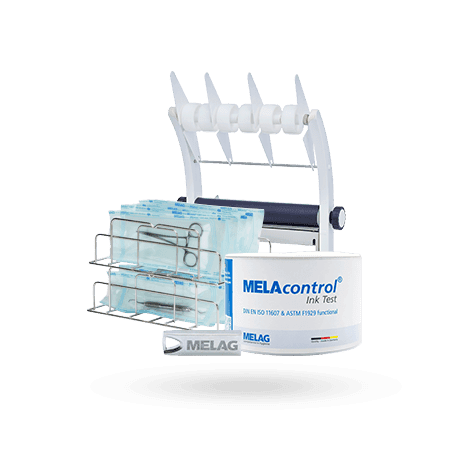
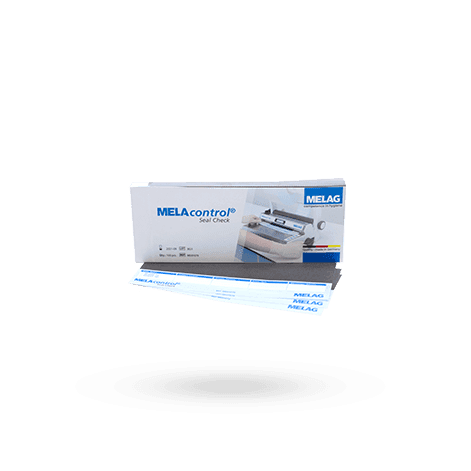
Medical devices intended for sterile use require a suitable sterile barrier system. The packaging must allow the sterilant to penetrate and subsequently maintain sterility until use.
For automated sealing processes, the following aspects, among others, are relevant:
Selection of suitable packaging,
correct filling,
sufficient distance between the instrument and the seal,
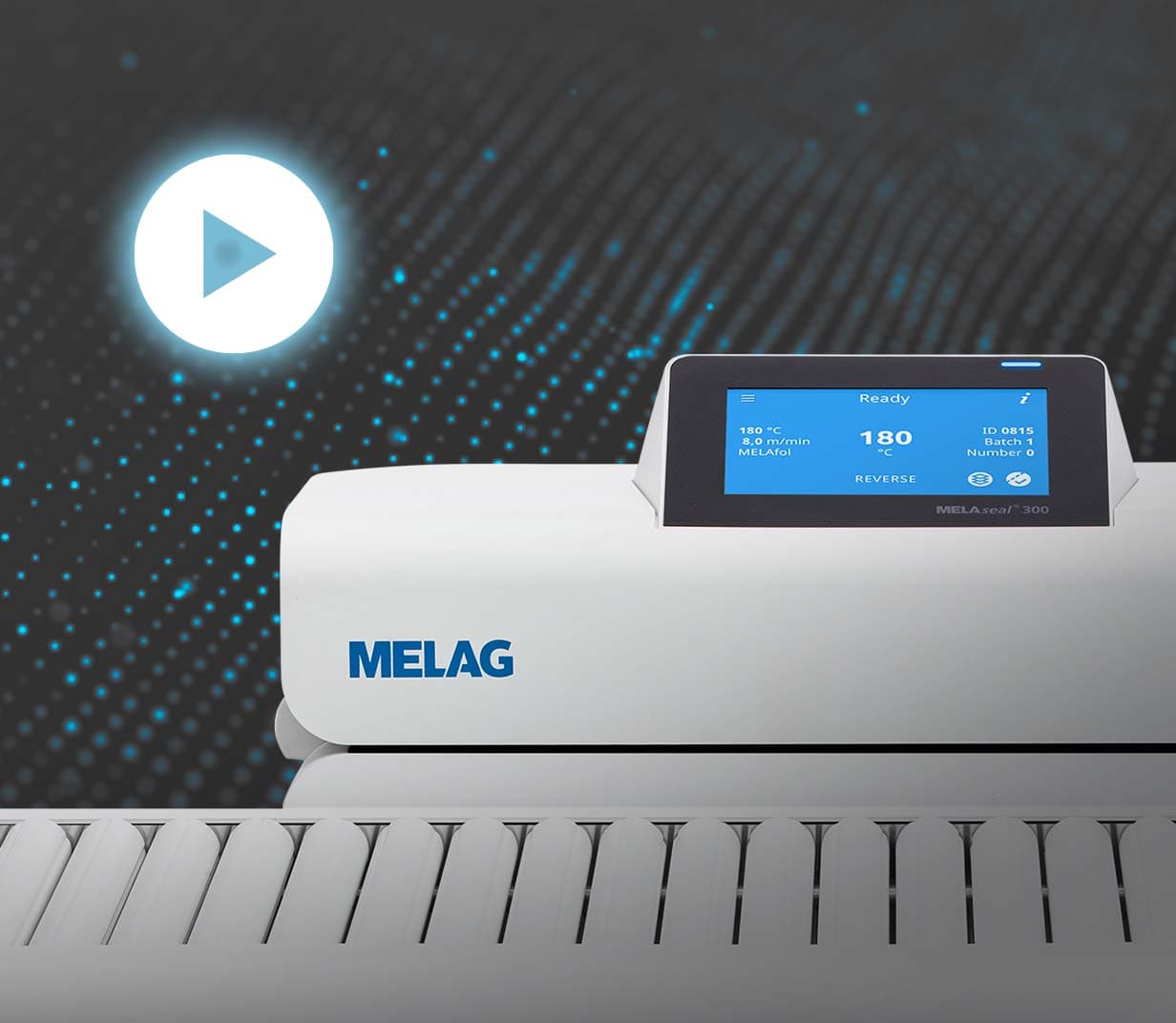
set sealing temperature,
contact pressure and sealing time or throughput speed,
visual inspection of the seal,
specified routine tests,
documented test results.
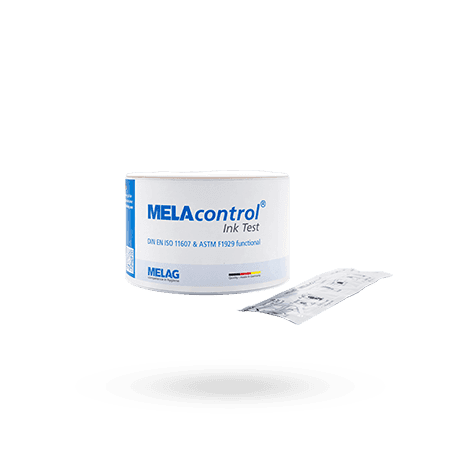
DIN EN ISO 11607-2 specifies requirements for the development and validation of forming, sealing, and assembly processes for sterile barrier systems. It also applies to healthcare facilities where medical devices are packaged and subsequently sterilized.
A defective seal can compromise the sterilization result and subsequent shelf life. Therefore, seals that are irregular, incomplete, creased, or damaged must not be released.
Documentation of Sterilization
For each sterilization batch, it must be possible to trace the conditions under which it was performed.
Depending on the device and the facility’s documentation policy, complete batch documentation must include, in particular:
Date and time,
Identification of the sterilizer,
sequential batch number,
sterilization program used,
Assignment or description of the load,
Key process parameters,
Results of the device’s internal process monitoring,
results of required routine or batch checks,
Any malfunctions or deviations that occurred,
Release decision,
Identification of the person granting approval.
The requirements for the development, validation, and routine monitoring of moist-heat sterilization processes are described in DIN EN ISO 17665.
The message “Program completed successfully” is an important part of the evaluation. However, on its own, it does not constitute full release of the batch or the individual packages.
What does release mean?
Release is a deliberate and traceable decision. A qualified and expressly authorized person confirms that the reprocessing process was carried out in accordance with the specified requirements and that the medical devices are suitable for storage or use.
The person granting release thus assumes a position of responsibility. They must be able to assess whether:
all necessary process steps have been completed,
the documented values fall within the acceptance limits,
the required checks were successful,
the load corresponds to the validated process,
the medical devices are clean, dry, and in working order,
packaging and labeling are in good order,
there are no unresolved nonconformities.
The persons authorized to grant release must be designated in writing. The work instruction must specify both the format of the release documentation and the procedure to be followed in the event of deviations.
Three Levels of Release
In practice, the release process can be divided into three successive levels.
1. Operational readiness of the process
Before routine operation begins, a check is performed to ensure that the equipment and processes can be used properly. Depending on the manufacturer’s specifications and the validation report, this may include:
Visual inspection of the chamber, door, and seals,
Inspection of equipment,
testing water quality,
required functional tests,
vacuum or steam penetration tests,
Inspection of the sealing device,
Verification of the RDG’s operational readiness.
It is not possible to specify in general terms which tests are required and at what intervals. The manufacturer’s specifications, the validation report, the risk assessment, and the facility’s standard operating procedures are decisive.
2. Batch Release
After each automated process, the entire cycle is evaluated. This involves reviewing the process log, control displays, any error messages, and, if applicable, the results from the testing systems used.
The batch may only be released if the process has been completed fully and correctly and all acceptance criteria have been met.
3. Release of Individual Medical Devices
Even after a successful batch release, it may happen that individual instruments or packages are unusable.
Each sterile package must therefore be inspected for at least the following:
dryness,
integrity,
properly sealed seams,
legible and complete labeling,
correct result of the processing indicator,
no visible contamination,
no damage to the medical device inside.
Damaged or damp packaging must not be released, even if all sterilizer process parameters were met.
Labeling and Traceability
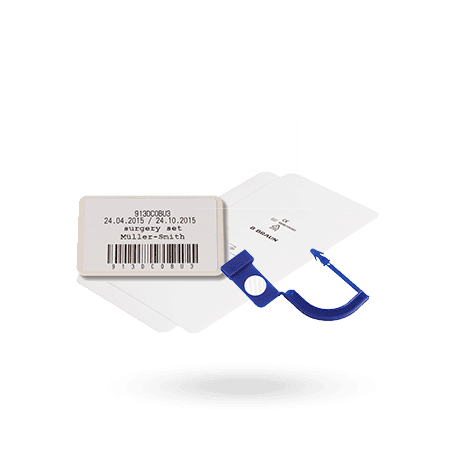
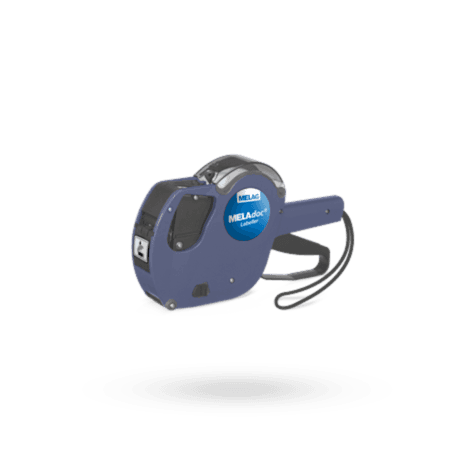
The labeling must allow for unambiguous assignment of the sterilized items to the reprocessing process. The specific labeling concept is based on the facility’s procedures, risk assessment, and quality management system.
Typical information includes:
Name or contents of the package,
batch number,
reprocessing or sterilization date,
specified storage period or expiration date,
Identification of the device used,
Identification of the person who authorized the release.
The labeling must not damage the sterile barrier system. For transparent sterilization packaging, markings or labels should be applied in such a way that neither the film is perforated nor the medical device itself is compromised.
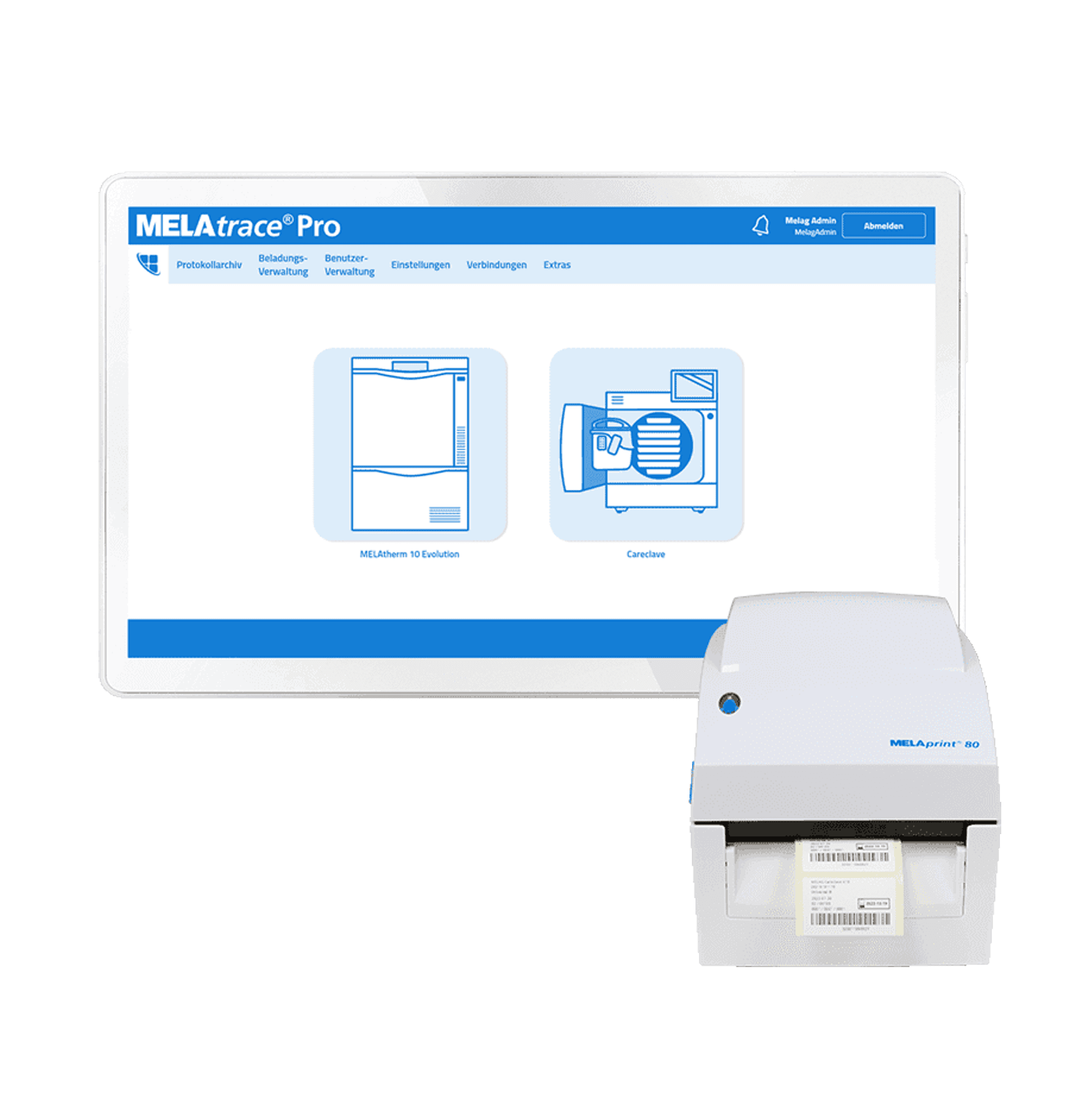
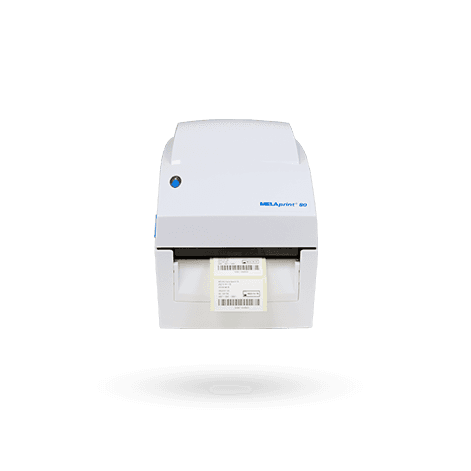
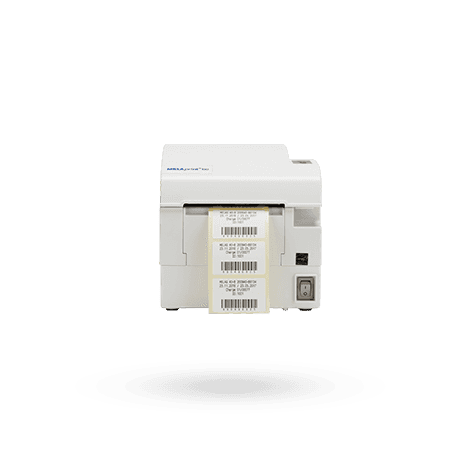
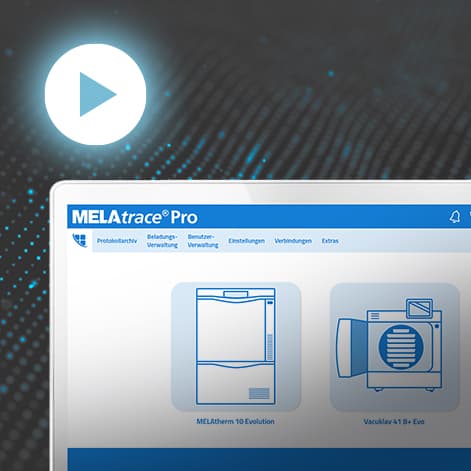
Barcodes and machine-readable labels can also establish a link between the batch, the instrument, the procedure, and patient documentation, provided this is specified in the facility’s traceability plan.
When should a batch not be released?
Release must be denied if compliance with the established procedure cannot be reliably verified. This applies, for example, in the case of:
interrupted or malfunctioning programs,
missing or incomplete process logs,
failed routine checks,
invalid process parameters,
an unsuitable program,
a non-validated load,
abnormal test indicators,
damp packaging,
damaged seal seams,
incomplete labeling,
visible residues on instruments.
Affected medical devices must be clearly isolated and separated from approved products. Subsequently, the cause, necessary corrective actions, and the next steps must be documented.
Reprocessing may not take place until it has been confirmed that the medical device is suitable for reprocessing and the cause of the defect has been corrected.
Paper or digital?
Both paper-based and electronic documentation systems may be suitable. What matters is not the medium, but the quality of the records.
Reliable digital documentation should ensure that:
Users are uniquely identified,
Approvals are assigned to a specific person,
the date and time are recorded correctly,
Changes remain traceable,
Original data is not overwritten without notice,
regular data backups are performed,
records remain legible throughout the entire retention period,
and data can be exported and presented as needed.
The KRINKO-BfArM recommendation permits storage on image or data carriers. At the same time, it must remain clear when subsequent changes were made. The documents must be available and legible throughout the retention period.
A scanned signature or a shared user account for the entire team does not provide reliable personal attribution. Individual user accounts, personal PIN codes, or qualified electronic approval procedures are preferable.
How long must the records be retained?
According to the KRINKO-BfArM recommendation, records regarding the reprocessing of medical devices must be retained for at least five years. Other legal provisions, contractual requirements, or regulations regarding patient documentation may require longer retention periods.
The facility should therefore establish its retention periods in writing and apply them consistently to both paper and digital records.
Common Mistakes in Practice
In many facilities, the technology is capable, while weaknesses arise in organization and documentation.
Typical errors include:
Approvals without personal assignment,
missing or outdated work instructions,
authorized personnel not designated in writing,
incomplete loading information,
failure to review process logs,
shared user accounts,
documents that can be modified retroactively without a change history,
Approval despite damp packaging,
undocumented deviations,
missing data backups,
new instruments or packaging without process validation.
Good documentation must work in everyday practice. Forms that are too complicated often result in information being entered incompletely or retroactively. Digital systems should therefore guide employees through the approval process rather than merely storing process data.
Checklist for Safe Release
Before releasing a processed batch, at least the following questions should be answered:
Was the intended and validated program used?
Did the process run completely and without any relevant disruptions?
Do the process parameters comply with the specified limits?
Were all required routine checks successful?
Does the loading comply with the validated loading pattern?
Are the instruments clean, dry, undamaged, and in working order?
Are the packaging and seal seams dry and intact?
Is the labeling complete and unambiguous?
Have any deviations been ruled out or properly addressed?
Has approval been clearly assigned to an authorized person?
If any of these questions cannot be answered affirmatively without a doubt, approval should not be granted.
Conclusion: Release is a professional decision
Documentation and approval are not administrative tasks that take place only after the actual instrument reprocessing. They are indispensable components of the process.
The technical process record shows what the device measured. The visual and functional inspection shows the condition of the instruments and packaging. Only the professional evaluation of all information leads to documented release.
A safely reprocessed medical device is therefore not merely cleaned, disinfected, or sterilized. It has been inspected, clearly labeled, documented in a traceable manner, and released by an authorized person.